

Virtualization has become the standard for modern IT infrastructure. More and more projects - from small websites to high-traffic applications - run on virtual servers. VPS/VDS hosting has become the golden mean between cheap shared hosting and expensive dedicated servers.
In this article, we will discuss what VPS/VDS is, how virtualization works, how VPS differs from VDS, who such a server is suitable for, and how to choose a configuration that will ensure the stable operation of your project.
What is VPS/VDS?
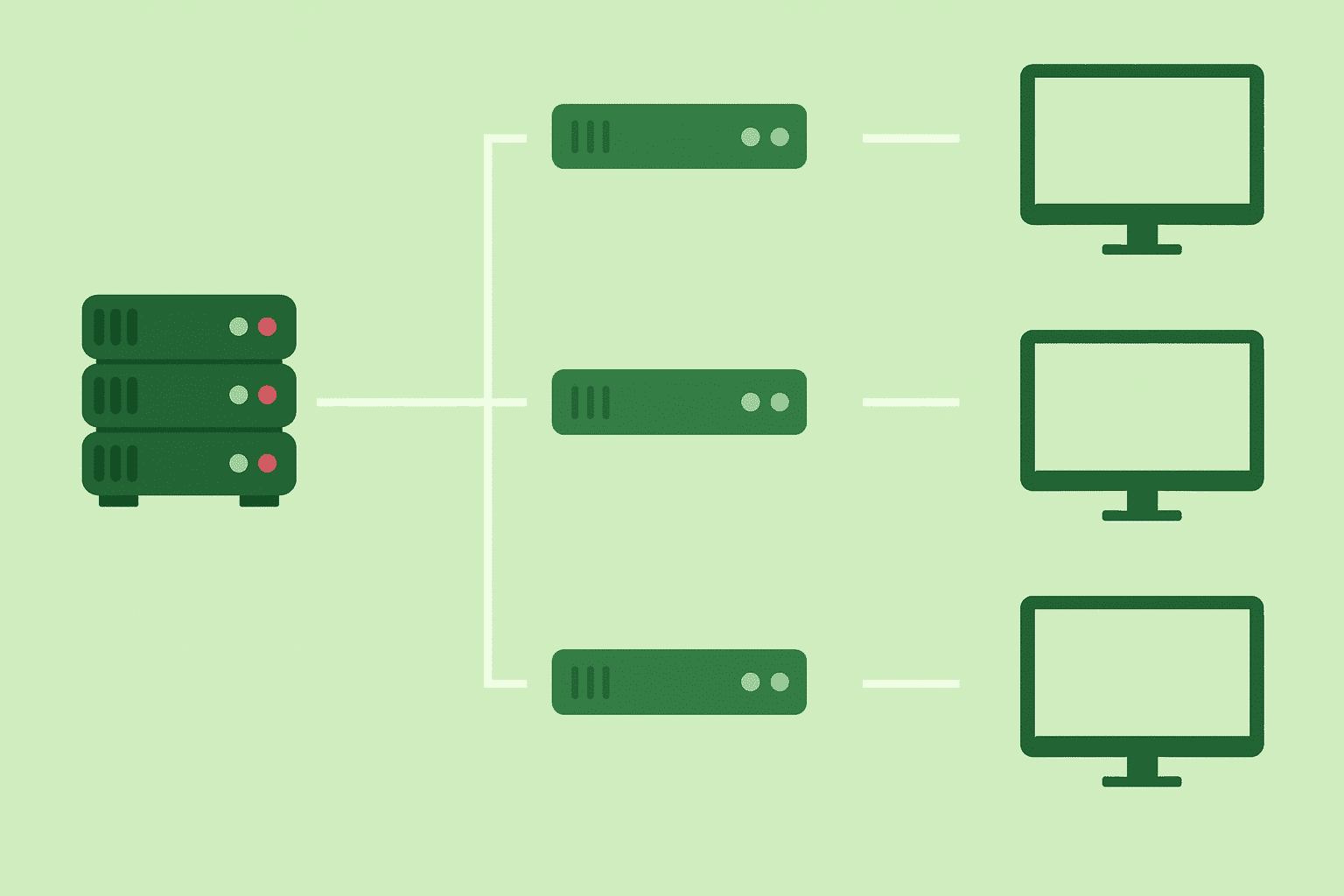
VPS (Virtual Private Server) and VDS (Virtual Dedicated Server) are virtual servers created by dividing the physical resources of a powerful host server into separate, virtual servers that are isolated from each other to varying degrees. Each virtual server receives its own guaranteed resources, such as a processor, RAM, disk space, and network channel.
In fact, VPS/VDS behaves like a full-fledged dedicated server. You get full root access, install any software, and manage the system without any restrictions. But not everyone understands the differences between VPS and VDS. Let's figure it out.
What is the difference between VPS and VDS
The difference between VPS and VDS depends on the terminology of a particular hosting provider. Historically, two types have been distinguished:
1. VPS - OS-level virtualization (OpenVZ):
- shared system kernel;
- you cannot run your own kernel;
- situations with node “overload” are possible;
- cheaper.
2. VDS - hardware virtualization (KVM):
- complete isolation;
- your own OS kernel;
- guaranteed resources;
- suitable for any task.
Today, the vast majority of hosting providers use KVM, and the terms VPS and VDS essentially mean the same thing - a full-fledged virtual server with guaranteed resources. That is why 3v-Hosting uses the term VPS as the generally accepted one everywhere, both on its website and on other resources.
Table of differences between VPS (OpenVZ) and VDS (KVM)
| Parameter | VPS (OpenVZ) | VDS (KVM) |
|---|---|---|
| Virtualization Type | OS-level | Hardware |
| System Kernel | Shared | Dedicated |
| Isolation | Medium | Full |
| Guaranteed Resources | Not always | Yes |
| Any OS Installation | No | Yes |
| Docker/Kubernetes | Limited | Full support |
| Reliability | Lower | Higher |
How VPS/VDS virtualization works
The virtual server is based on a hypervisor, a software layer that distributes the resources of the physical server among virtual machines.
Dozens or even hundreds of virtual servers can run simultaneously on a single physical server, completely isolated from each other. Each one gets its own CPU cores, RAM, NVMe disk, and network interface.
The user manages the server as a full-fledged dedicated machine: controlling processes, configuring software, network rules, and security.
Types of virtualization
Modern hosting platforms use several virtualization technologies, each of which determines the level of isolation, performance, and flexibility of your server. Understanding the differences between types of virtualization helps you choose a reliable provider and avoid limitations that could affect the performance of your website or application.
Below, we will look at the most common types of virtualization used in VPS/VDS hosting.
KVM (Kernel-based Virtual Machine)
KVM is hardware virtualization that runs on top of the Linux kernel. Each VPS in a KVM environment gets a completely isolated virtual machine with its own virtual hardware. Completely isolated means that no virtual machine can affect the performance of another, neighboring virtual machine, so even if the resources of one virtual machine are used to the maximum, for example, the vCPU is running at 100%, the neighboring virtual machine will not even notice it, and there will be no glitches or slowdowns. And, of course, the most important thing is security, which remains at a high level with complete isolation of virtual machines.
Features:
- Complete hardware isolation;
- Ability to install any operating system (Linux, Windows, BSD);
- Proprietary OS kernel - you can change the settings of the kernel, network modules, and system parameters;
- Ideal environment for Docker, Kubernetes, CI/CD, and high-load applications;
- High performance thanks to Intel VT-x/AMD-V hardware support.
In our opinion, and not only ours, KVM is currently the best type of virtualization, as it provides maximum predictability and stability, as well as guaranteed resources without node overflow.
LXC and LXD (Linux Containers)
LXC/LXD is container virtualization, similar in principle to Docker, but closer to full-fledged OS containers. Unlike KVM, where resources are allocated at the hardware level, LXC containers use a shared system kernel, i.e., the separation is software-based, which compromises isolation. As a result, under certain conditions, one container can affect a neighboring container.
Features:
- Lightweight - containers run through a shared kernel.
- Very fast startup and operation.
- Low resource consumption.
- Suitable for microservices and DevOps infrastructure.
- Lower level of isolation than KVM.
This type of virtualization is mainly used for projects where speed and minimal latency are important, and isolation is not critical.
OpenVZ
OpenVZ is operating system-level virtualization. Essentially, these are containers running on a single shared host kernel.
Features:
- Fast performance and low resource consumption;
- All virtual machines use one kernel;
- Lower security and isolation;
- Limited software compatibility: you cannot change the kernel, load modules, or run complex services;
- Docker and Kubernetes do not work fully.
OpenVZ is rarely used today because its isolation is weaker, resources are not always guaranteed, and “neighboring” effects are possible - if one container consumes a lot of CPU, the others suffer. And, of course, security when choosing this type of virtualization is conditional, i.e., theoretically and practically, it is possible to gain full access to a virtual machine from a neighboring virtual machine.
VMware ESXi
VMware ESXi is a high-end enterprise hypervisor and is less common in hosting due to licensing, but it is also worth mentioning.
Features:
- Very high performance;
- Reliable isolation;
- Advanced tools for clustering, migration, and snapshots;
- High cost of ownership.
It is typically used in enterprise data centers, private clouds, banks, and organizations with high requirements.
Hyper-V
Developed by Microsoft, more typical for Windows environments.
Features:
- Full virtualization with Windows and Linux support;
- Good integration with Windows Server;
- Used in enterprise infrastructures.
Extremely rare in hosting.
Table - Final comparison of virtualization types
| Technology | Isolation | Performance | Any OS Support | Docker Support | Typical Use Cases |
|---|---|---|---|---|---|
| KVM | Full | High | Yes | Yes | Hosting, DevOps, cloud services |
| LXC/LXD | Medium | Very high | Linux only | Partial | Microservices, containers |
| OpenVZ | Low | High | No | No | Legacy virtualization |
| VMware ESXi | Full | Very high | Yes | Yes | Enterprise data centers |
| Hyper-V | Full | High | Yes | Yes | Windows-based infrastructure |
When to switch to VPS/VDS
The transition to VPS usually happens not because it is customary or fashionable, but because the project runs into real limitations. Shared hosting is fine as long as the site is small, traffic is low, and software requirements are minimal. But as it grows, almost every project faces a moment when this format ceases to cope.
One of the first signs is a drop in performance. The site starts to slow down, pages open noticeably slower, and the database freezes from time to time. This is natural, because the resources of a shared hosting platform are distributed among many other clients, and any increase in load affects everyone. If you notice that your website has become unstable, even though the project itself has not changed, then you have most likely reached the limits of shared hosting.
The second point is the need for flexibility. On a virtual server, you have complete control over the environment: you choose the stack, install your libraries, change service configurations, create your own cron jobs, etc. This is not possible with shared hosting, as everything is strictly limited by the host when configuring the product. Developers working with complex CMS, APIs, or non-standard libraries usually switch to VPS precisely for the sake of freedom of configuration.
Audience growth is another reason to consider a server. When a project starts to be actively indexed, regular visitors appear, and advertising campaigns lead to traffic spikes, a stable and predictable infrastructure is required. On a VPS, resources are allocated specifically to you, so the site continues to run quickly even under load.
There are also more practical cases. Online stores, CRM, booking systems, educational platforms - all of these eventually become too heavy for regular hosting. The same situation applies to projects that use Docker, message queues, Redis, and CI/CD pipelines. Such systems require root access and complete isolation, otherwise they simply do not work.
Security is worth mentioning separately. On a VPS, you can manage SSH keys yourself, configure the firewall, update the system, use Fail2ban or your own access rules. This is critical for projects that process personal data, financial information, or corporate documents. With shared hosting, you are dependent on common rules, where important settings cannot be changed.
And finally, VPS is the natural choice if you run multiple projects or work as a developer/agency. A single virtual server allows you to organize separate accounts, deploy multiple sites, and manage databases and environments for different tasks - without the limitations and hassle that are inevitable in a shared environment.
In short, it's time to switch to VPS when shared hosting limits the development of your project in terms of speed, flexibility, security, or the technologies you want to use. A virtual server provides room for growth, complete isolation, and the ability to independently manage the server environment - which is why most serious projects inevitably choose VPS at some point.
How to choose a VPS: a practical analysis of important criteria
Choosing a VPS is a moment that will determine the stability, speed, and even security of your project in the future. At first glance, all virtual servers look the same, but under the hood, there are serious differences between different providers. In order for the server to really solve problems rather than create new ones, it is important to understand what exactly affects performance and reliability.
Below, we provide clear guidelines to consider before making a purchase. This is not a formal checklist, but rather an explanation of how those who have repeatedly deployed projects on VPS make their decisions. So, let's get started.
Type of virtualization
The first thing to start with is virtualization technology. It determines the isolation, stability, and security of the future server and what tasks you will be able to perform on it.
In short, today, perhaps the only reasonable choice is KVM.
This is hardware virtualization with a full-fledged kernel, which allows you to run any operating system, use Docker and any services, and most importantly, provides guaranteed isolation.
Outdated options such as OpenVZ are becoming increasingly rare and impose significant limitations, especially when working with modern applications.
Disk performance
The speed of the disk subsystem directly affects the performance of a website or application. Even if you have enough CPU and RAM, a slow disk can kill database performance, increase response times, and cause “freezes.”
SSD or NVMe drives are best suited for modern tasks - they provide significantly higher read/write speeds compared to outdated HDDs.
If your project uses WordPress, CRM, or actively works with a database, SSD is no longer a luxury, but a necessity.
RAM and CPU for real tasks
The “1 gigabyte per site” rule is long outdated, and now everything depends on the specific load.
For example, for WordPress or a small project, the following is usually sufficient:
- 1 vCPU,
- 1–2 GB RAM.
Online stores, API services, portals, or projects on Node.js/Python usually require more: 2-4 GB RAM and several virtual cores.
The main rule is to never take a server “at the last minute.” Of course, resources can always be scaled, but it's better to do it in advance than when the site goes down.
Server location
The choice of geography is much more important than it seems. The delay between the server and users directly affects the speed of page loading.
If your audience is in Europe and your server is, for example, in East Asia, there may be high delays. Therefore, a European data center will provide better performance. For the entire European audience, you can consider data centers in the Netherlands, Poland, or Germany, where latency is usually minimal.
It is also worth paying attention to the quality of the provider's network, because good routing and connectivity sometimes compensate for even a small distance from the user.
IPv4 and IPv6
IPv4 has been in short supply for a long time, so some providers limit its issuance or charge extra for it. IPv6, on the other hand, is becoming the standard, and its availability indicates a modern approach to hosting.
In practical terms, this means the following:
- IPv4 is mandatory until networks completely switch to IPv6;
- IPv6 is desirable, especially if the project is designed for the long term.
Channel bandwidth
The port speed determines how quickly the server exchanges data with the network.
For modern projects, a channel of 100 Mbps or higher is considered optimal.
Even if your site does not transfer large amounts of data, high bandwidth ensures stability during peak times and minimizes delays.
Availability and quality of backups
Backups are something you remember when it's too late.
The best option is when the provider automatically makes backups and stores them for several days or weeks. At 3v-Hosting, we make daily backups of all our customers' virtual machines, so even in the event of a failure or error on the customer's side, we can quickly restore any VPS.
If backup is not provided, you will have to organize it yourself, which requires time, additional disk space, and certain skills.
Therefore, it is better to consider this parameter in advance.
Control panel
If you do not plan to manage the server exclusively via SSH, a convenient control panel will be a big plus.
The most popular choices are:
- ISPmanager - a flexible and modern panel, suitable for most tasks;
- HestiaCP - a free option with good functionality;
- cPanel - a classic for hosting management.
The panel simplifies working with domains, SSL, mail, files, and databases, and makes administration much easier, especially if you are not a system administrator.
Support level: managed or unmanaged
Different users have different needs and server management skills. Depending on this, you can choose between the following options, by type of administration:
Unmanaged VPS - a server that you manage yourself.
The provider only provides the infrastructure. This option is for those who are confident with Linux.
Managed VPS - when the provider helps with configuration, maintenance, updates, and technical issues.
This is more expensive, but it eliminates a lot of routine tasks.
The choice depends on your experience and willingness to manage the server yourself.
Common mistakes when choosing a VPS
Even experienced users sometimes make mistakes when choosing a virtual server. For beginners, this topic seems simple: choose the cheapest plan and get to work. In practice, it's a little more complicated. An incorrectly selected VPS can be a source of problems for months to come, from constant website crashes to security vulnerabilities. Below, we will look at the most common mistakes when choosing a VPS server, as well as explain why they are dangerous.
Lack of resources due to choosing a plan that is too weak
One of the most common problems is trying to save money and choosing the minimum plan, which can barely handle even a light website.
Everything may work acceptably at the start, but as soon as traffic, a large number of plugins, integrations, or heavy database queries appear, the server will immediately begin to “slow down.” Freezes, slow responses, caching problems - all of these are the result of a lack of RAM or CPU. VPS is not a place to save money “on the edge.”
It's better to have a small reserve of resources than to deal with periodic website crashes.
Server in the wrong geolocation
Sometimes users choose a server in the US or Asia simply because it's cheaper. But the distance between the user and the server directly affects page load speed.
If your audience is in Ukraine or Europe, and the server is in Canada, even a fast SSD + KVM configuration won't save you from increased latency.
The result is slow website loading, lower conversion rates, and poorer Core Web Vitals metrics. Geolocation should correspond to the geography of your audience, not just the price.
Complete lack of backup
Backups are the only “insurance” that really saves you in a critical moment. Disk failure, a wrong command, a system update failure, or server compromise - all of these happen more often than you might think.
But many choose plans without backups, or hope that “nothing will happen.” As a result, when a problem arises, there is simply nowhere to restore the data from.
The best solution is to get a VPS with automatic backups, like ours, or set up your own backups, for example, in the cloud.
Choosing outdated virtualization such as OpenVZ
Although OpenVZ can still be found with some providers, the technology is outdated and poorly suited for modern tasks.
We have already described the main problems above, but let's remind you again:
- a common kernel for all clients;
- lack of full isolation;
- limited compatibility with Docker, Kubernetes, and new OS versions;
- risk of “node overload.”
If you want stability, flexibility, and the ability to install any software, it is better to choose a KVM-based VPS.
Installing a control panel that is too heavy on a weak server
Control panels such as cPanel or Plesk are convenient and functional, but require significant server resources. Installing such systems on a VPS with 1-2 GB of memory leads to slowdowns, RAM shortages, constant swapping, and unstable website performance.
If you choose the minimum tariff, it is better to use lightweight control panels (for example, HestiaCP) or work directly through the terminal.
A heavy panel is not a mistake in itself, but a mistake in combination with a small amount of RAM.
FAQ on VPS/VDS
How do I know how many resources my website needs?
For small websites, blogs, and business cards, 1 vCPU and 1-2 GB of RAM are usually sufficient.
Online stores, product catalogs, and projects with an active database require more - from 2 GB of RAM and 2 vCPUs.
The exact requirements depend on traffic, the number of plugins, code quality, and the CMS used.
Which is better, a VPS or a dedicated server?
A dedicated server provides maximum isolation and performance, but is more expensive.
In most cases, a VPS covers all the needs of a project, as it provides dedicated resources and flexibility comparable to a “hardware” server, but at a more affordable price.
Can I use a VPS for WordPress?
Yes. For WordPress, a VPS is often the best choice, as it allows you to configure the necessary PHP versions, caching, databases, and optimize the server for a specific theme or plugin.
Shared hosting is only suitable for the simplest and least demanding WP projects.
What is root access?
Root access is full administrative control over the server.
It allows you to install any software, change system configurations, manage security, and perform any operations at the OS level.
Can I run Docker on a VPS?
Yes, if the VPS runs on KVM virtualization.
It supports a full kernel and the necessary modules for Docker to work correctly.
At 3v-Hosting, you can order a VPS server with Docker pre-installed.
On OpenVZ, containers often run unstable or do not start at all.
How secure is a VPS?
A VPS is isolated from other virtual machines and provides a high level of protection, but security depends on the settings.
If you configure a firewall, SSH keys, system updates, and basic protection (for example, Fail2ban), the server will be reliable for any task.
Conclusions
Thus, VPS/VDS is a universal solution for hosting projects of any scale. It combines high performance, configuration flexibility, security, and optimal cost. This type of server is suitable for both small websites and complex, high-load systems. If shared hosting has become limiting for your project, switching to VPS/VDS is a logical and strategically sound step.