Today, creating an online store doesn't necessarily require hiring a programmer or spending a significant amount of money on website development. Thanks to modern website builders, entrepreneurs without technical experience can launch an online store independently, add products, and start accepting orders.
However, before launching, it's important to decide on the website format, choose a platform, set up the product catalog, payment and delivery options, and prepare the store to attract customers.
Let's explore how to create an online store from scratch, which tools you'll need, and what to consider before making your first sales.
1. Landing Page or Online Store: Which Should You Choose?
Before creating a website to sell products, determine what range of products you plan to offer customers.
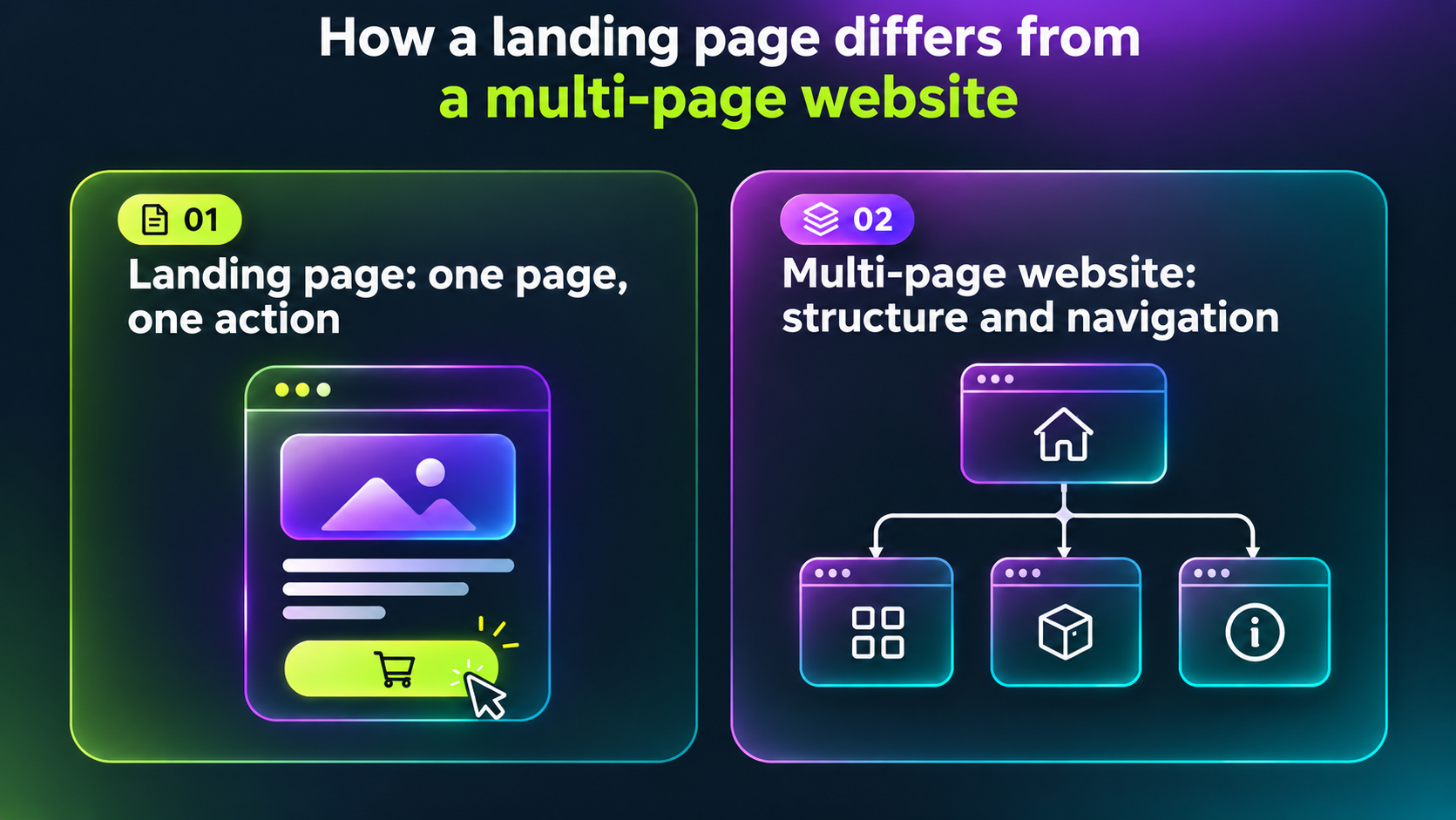
A landing page is a single-page website dedicated to a specific product or offer. It's suitable for testing new products, launching advertising campaigns, and collecting leads.
For example, if you want to test demand for a new product, you can create a page with photos, a description, pricing, and an order form.
An online store is a website with a product catalog, categories, product pages, and the ability to place orders.
Its main advantages include:
- Convenient presentation of a wide product range.
- The ability to offer complementary products.
- Opportunities to generate repeat sales.
- Dedicated pages for promotion in Google search results.
- The ability to gradually expand the product catalog.
If you plan to sell a single product, you can start with a landing page. For businesses offering a diverse range of products, creating a full-fledged online store is generally a better option.
2. How to Choose a Platform for Your Online Store
There are several ways to create an online store: order custom development, use WordPress with WooCommerce, or choose a ready-made website builder.
WordPress is a free content management system (CMS) that allows users to create and edit websites without coding. To launch an online store with WordPress, the WooCommerce plugin is commonly used. This solution requires separate hosting and technical setup.
Custom development offers greater flexibility for unique solutions but usually requires more time and a larger budget. WordPress provides extensive customization options, although it requires attention to hosting, updates, and technical maintenance.
For entrepreneurs who want to create an online store without coding, a ready-made website builder can be a practical solution.
Creating an Online Store with Selio
The Selio online store builder allows users to launch a website independently without writing code or configuring their own server.
The platform helps businesses handle essential tasks during the initial setup:
-
Reduce initial costs. The free plan allows you to create a store with a small product range and test your business idea.
-
Launch faster. Ready-made blocks and settings help you design pages, create categories, and add products.
-
Simplify technical maintenance. Hosting and an SSL certificate are included in the platform. You can also connect your own domain.
-
Manage your product catalog. Products can be added manually, imported, and updated in bulk.
-
Automate order processing. CRM integration helps transfer orders to a CRM system.
-
Accept online payments. WayForPay allows you to configure payments by bank card, Apple Pay, and Google Pay.
-
Analyze website traffic. Google Analytics integration helps track traffic sources and customer behavior.
-
Prepare your store for promotion. SEO settings, banners, promotions, a blog, and product and category pages are available.
This approach is suitable for small businesses that want to start selling online quickly and gradually expand their product range.
3. Domain and Hosting: What Do You Need to Launch an Online Store?
When creating an online store, it's important to understand the difference between a domain and hosting.
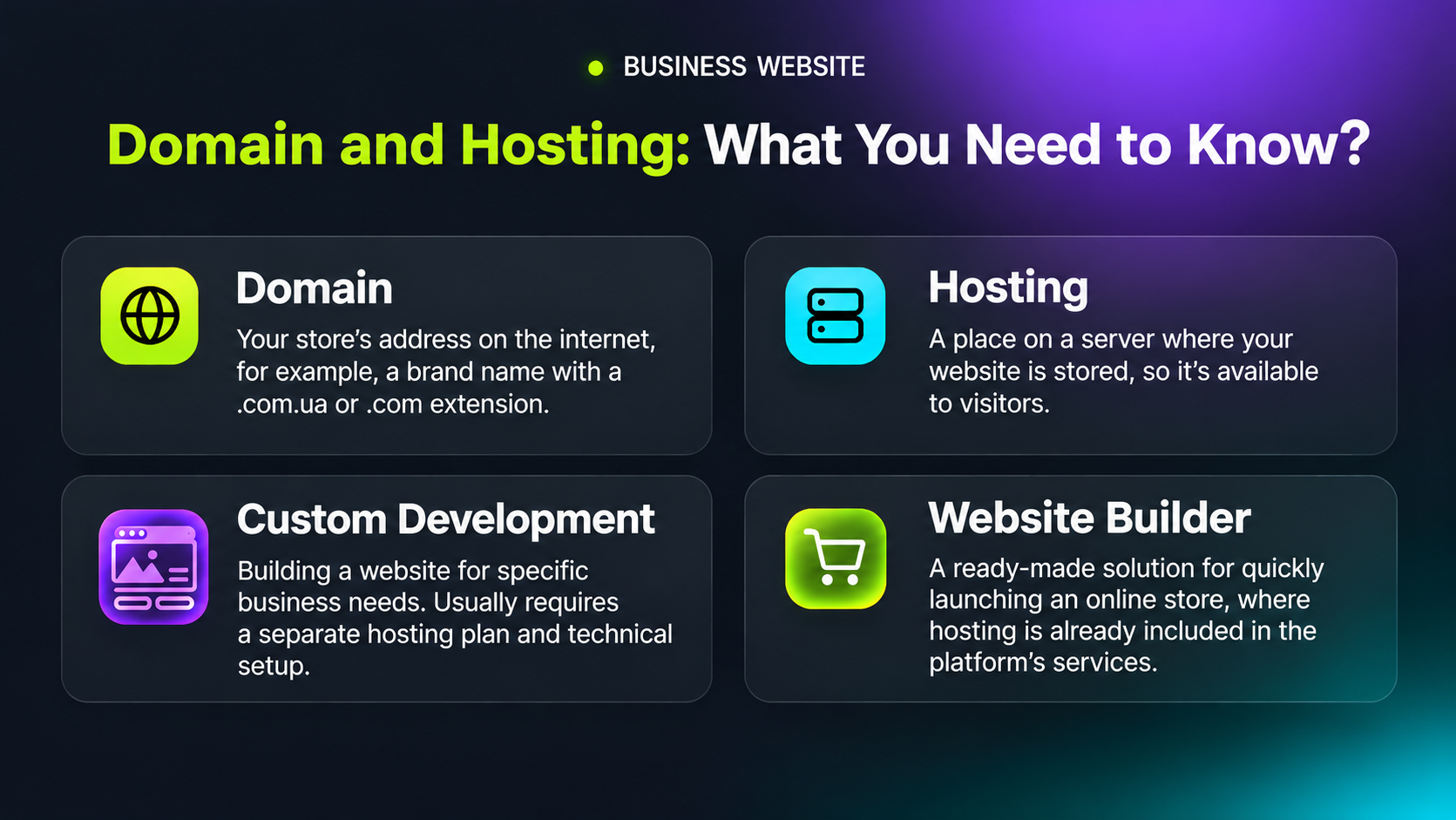
A domain is a website's address on the internet, such as a brand name with a .com.ua or .com extension.
It's best to choose a short, clear name that is easy to remember and type into a browser.
Web hosting refers to the server resources where a website is stored and made accessible to visitors.
If you're creating an online store with WordPress or ordering custom development, you'll usually need to choose a hosting provider separately.
For example, 3v-Hosting offers server solutions for hosting websites and online projects.
However, if you use a website builder such as Selio, hosting is already included in the platform's services, so there's no need to purchase it separately.
The choice depends on your business needs. A ready-made website builder allows you to launch an online store quickly without complex technical configurations. Your own hosting environment provides more flexibility for customizing a website but requires ongoing technical maintenance.
4. How to Create an Online Store from Scratch: Key Steps
Once you've chosen a platform, you can begin building your store.
Step 1. Choose a Template and Customize the Design
Select a design that matches your product range and brand identity. Plan the navigation, menus, colors, and placement of key elements.
Step 2. Create a Product Catalog
For each product, prepare:
-
High-quality photos.
-
A clear product name and description.
-
Key specifications.
-
An up-to-date price.
-
Availability information.
If you have many products, organize them into categories. This will help customers find the products they need more quickly.
Step 3. Set Up Payment and Delivery Options
Add the available payment and delivery methods. Customers should understand how they can pay for an order, how much delivery will cost, and when they can expect to receive their purchase.
Step 4. Organize Order Processing
Check where orders are received and who will be responsible for processing them.
You can use a CRM system to automate sales processes. It helps store customer information, track order statuses, and organize the work of sales managers.
Step 5. Add Essential Information Pages
Prepare pages containing contact details, payment and delivery terms, return policies, and a privacy policy.
This will help customers find the information they need before placing an order.
5. How Much Does It Cost to Create an Online Store?
The cost of launching an online store depends on the chosen platform, website functionality, and development method.
If you order a custom-built online store, your budget should include design, programming, testing, and ongoing technical support.
With WordPress, expenses may include a domain, hosting, paid themes, plugins, and professional services.
Online store builders usually operate on a subscription model. Some platforms also offer free plans with limitations on the number of products or available features.
You should also consider expenses related to advertising, content creation, order processing, and other operational needs.
Therefore, when choosing a platform, compare not only the cost of creating a website but also the expenses associated with its ongoing use.
6. How to Promote Your Online Store After Launch
Even a user-friendly website with high-quality products needs to attract customers.
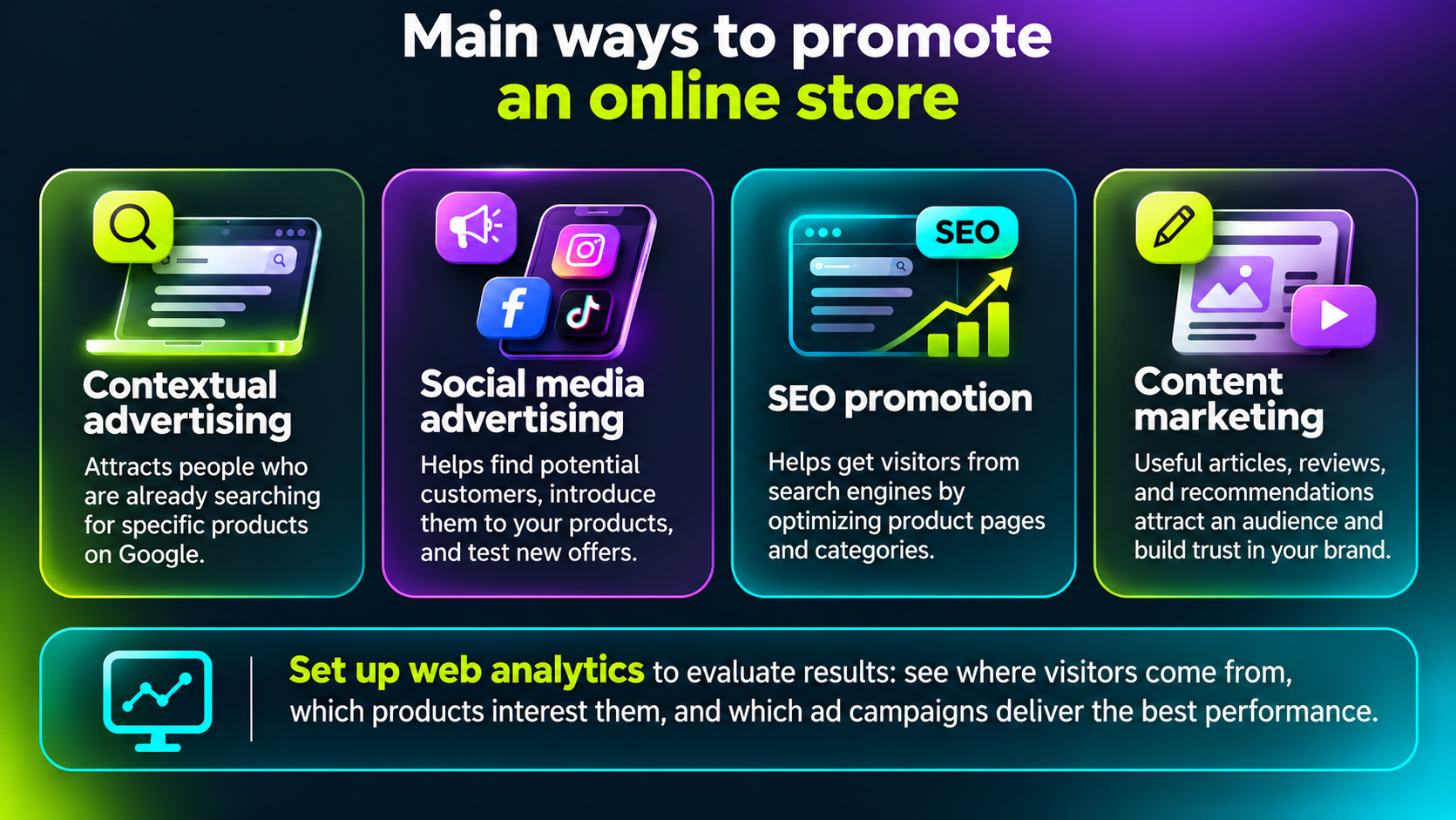
The main promotion methods include:
-
Search advertising. Helps attract users who are already searching for specific products on Google.
-
Social media advertising. Allows you to introduce products to potential customers and test new offers.
-
SEO promotion. Helps generate organic traffic by optimizing product pages, category pages, and informational content.
-
Content marketing. Useful articles, reviews, and recommendations help answer audience questions and build trust in your brand.
To evaluate performance, it's worth setting up web analytics. This will help you understand where visitors come from, which pages they view, and which channels generate orders.
7. What Should You Check Before Launching an Online Store?
Before starting advertising campaigns, make sure your store is ready to accept customers.
Check the following:
- Does the website display correctly on smartphones?
- Do pages load quickly?
- Do buttons and order forms work properly?
- Are prices and product availability displayed correctly?
- Is information about payment, delivery, and returns accessible?
- Are orders successfully transferred to the order processing system?
- Do the configured payment methods work?
Try placing a test order yourself and go through the entire customer journey, from selecting a product to confirming the purchase.
Even minor technical issues can interfere with sales, so checking your website before launching advertising campaigns is an important step.
Conclusion
Today, you can create an online store without coding by using ready-made platforms that simplify website development and technical maintenance.
To launch a store, you need to choose its format, select a platform, prepare the product catalog, and configure payment, delivery, and order processing.
If your business needs a custom website with its own server environment, it's worth considering suitable hosting solutions. If your main goal is to start selling quickly without complex technical configurations, an online store builder such as Selio can be a practical option.
At the same time, the success of an online store depends not only on the platform but also on product quality, website usability, promotion, and customer service.